
Skip to content

Write, brand and send a proposal in one sitting

Start from a template, add your logo and colors, move the sections until the document argues in the right order, then send it for approval. When the client says yes, the proposal becomes an invoice without the pricing being typed again.

  • 40+ customizable templates
  • Branding, layout and content
  • Approved proposals become invoices
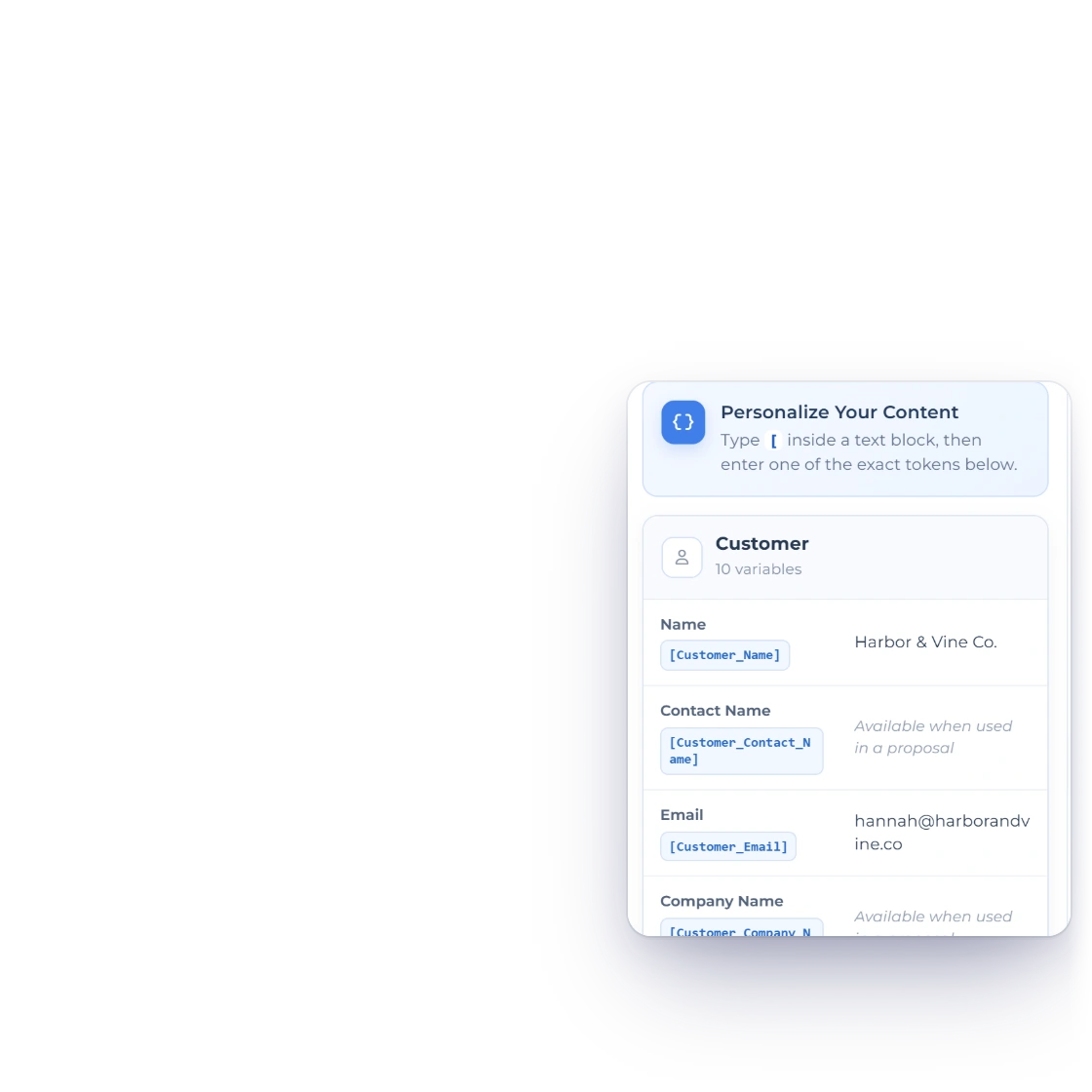
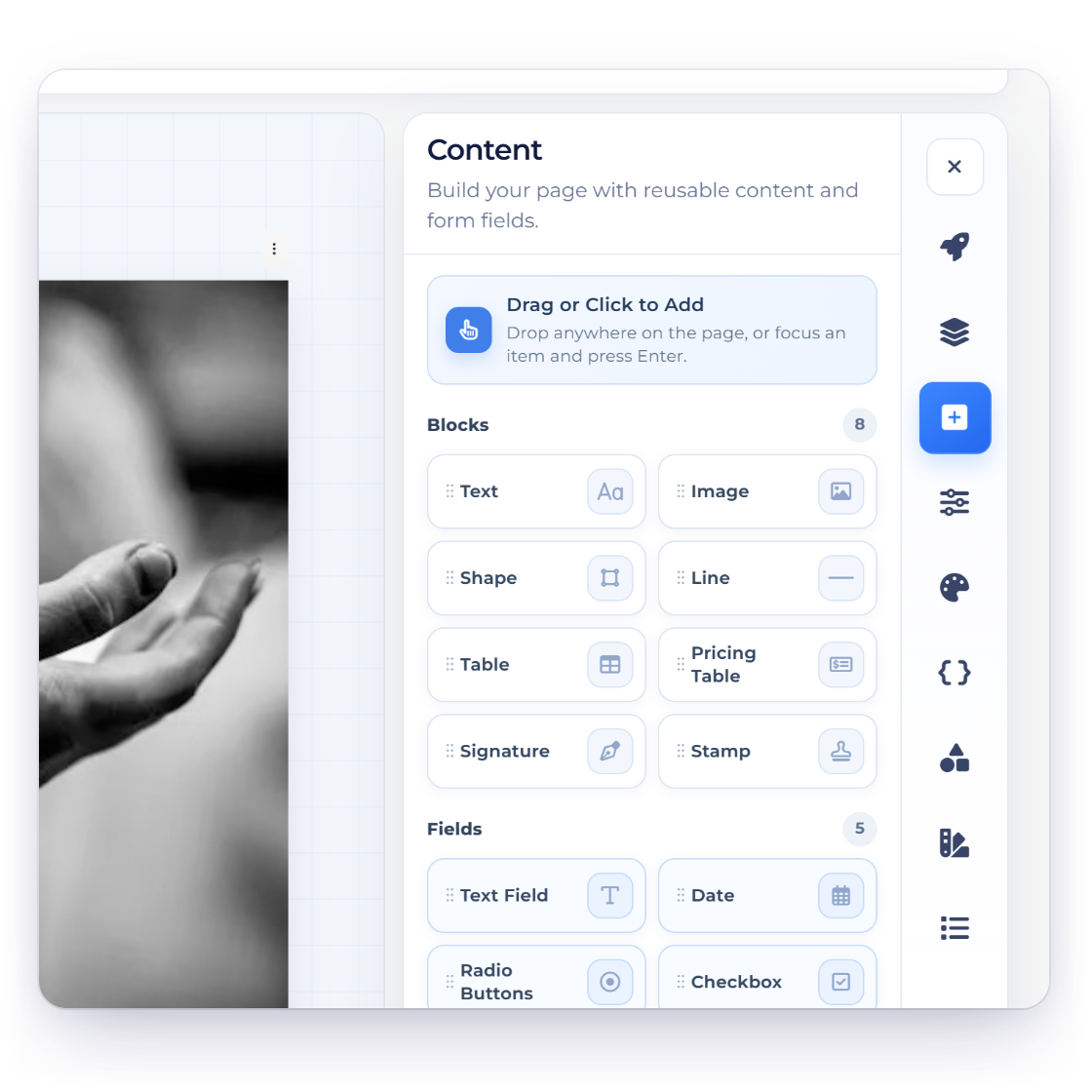
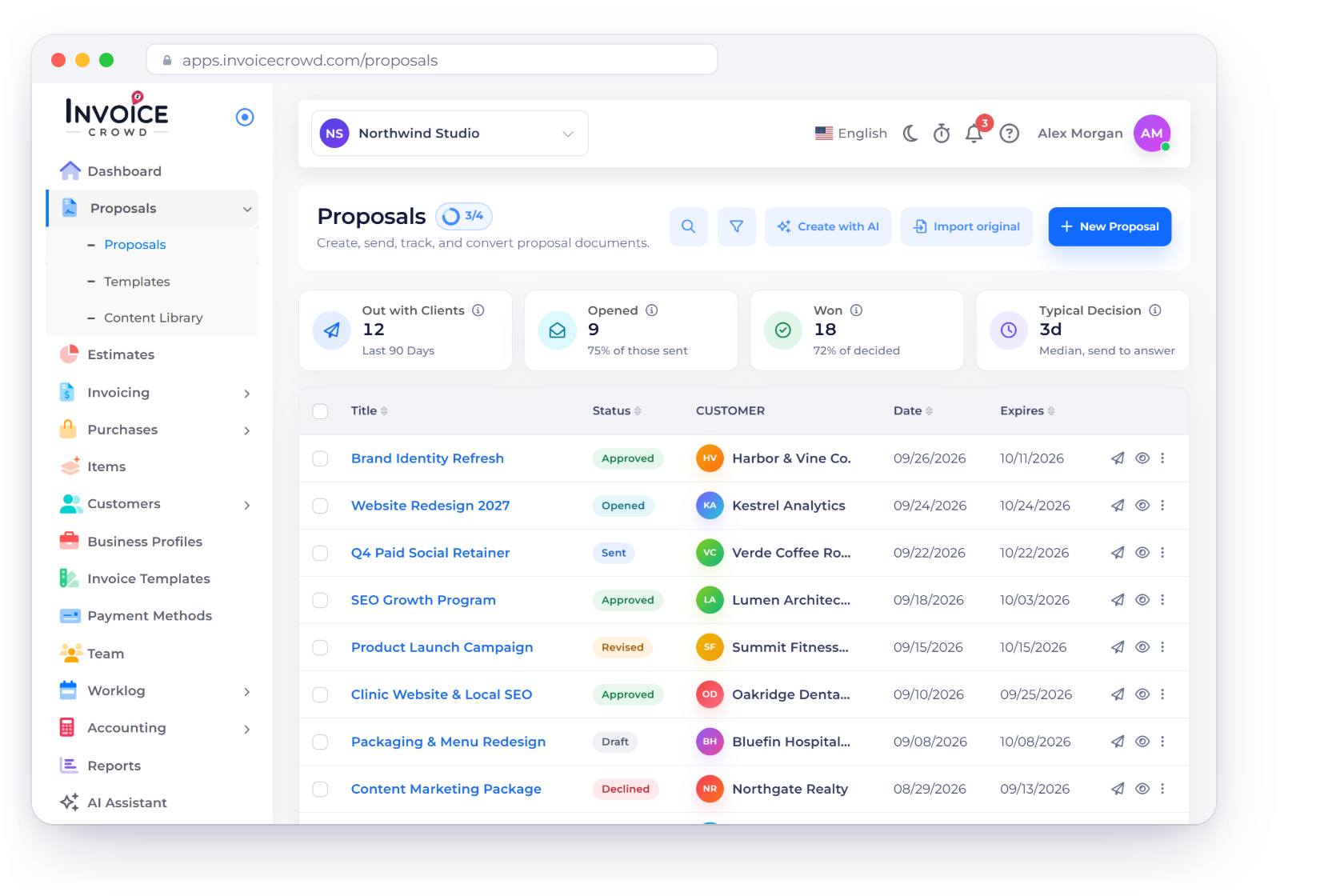
The Invoice Crowd proposal editor, with content blocks on the right and template covers alongside

What is inside

Craft the proposal, then let it close itself

The builder covers the whole life of the document: writing it, making it look like your business, getting it approved, and billing from the version the client agreed to.

Writing it

Minutes, not an afternoon

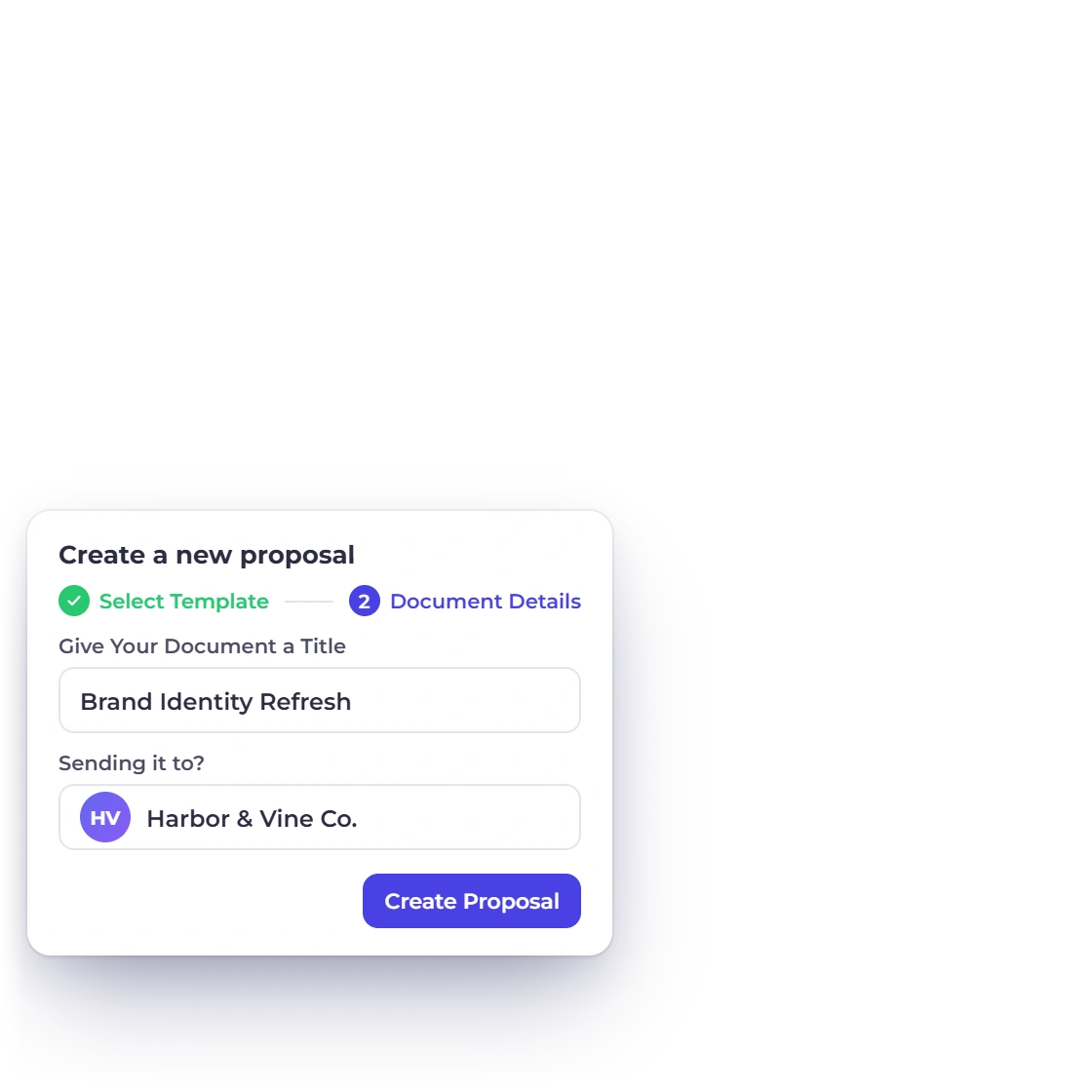
Creating a new proposal in Invoice Crowd, with its sections and client details

Detailed proposals without the blank page

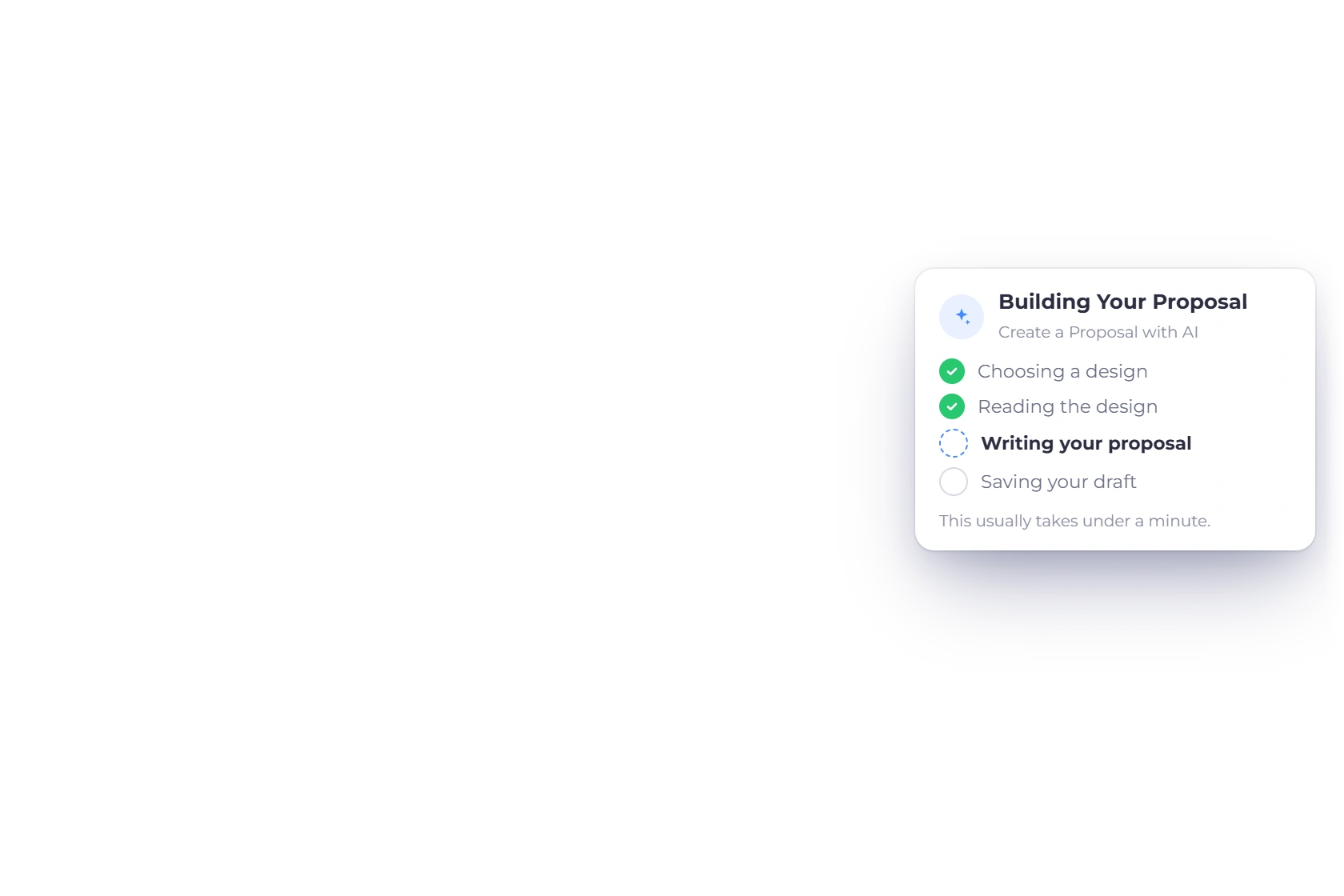
A new proposal opens as a working document rather than an empty editor. Fill in the parts that are specific to this client, leave the structure that is already there, and send it while the conversation is still fresh. The interface stays out of the way of the writing.

  • Set up and sent in minutes
  • Client details pulled from their record
  • Nothing to learn before the first draft

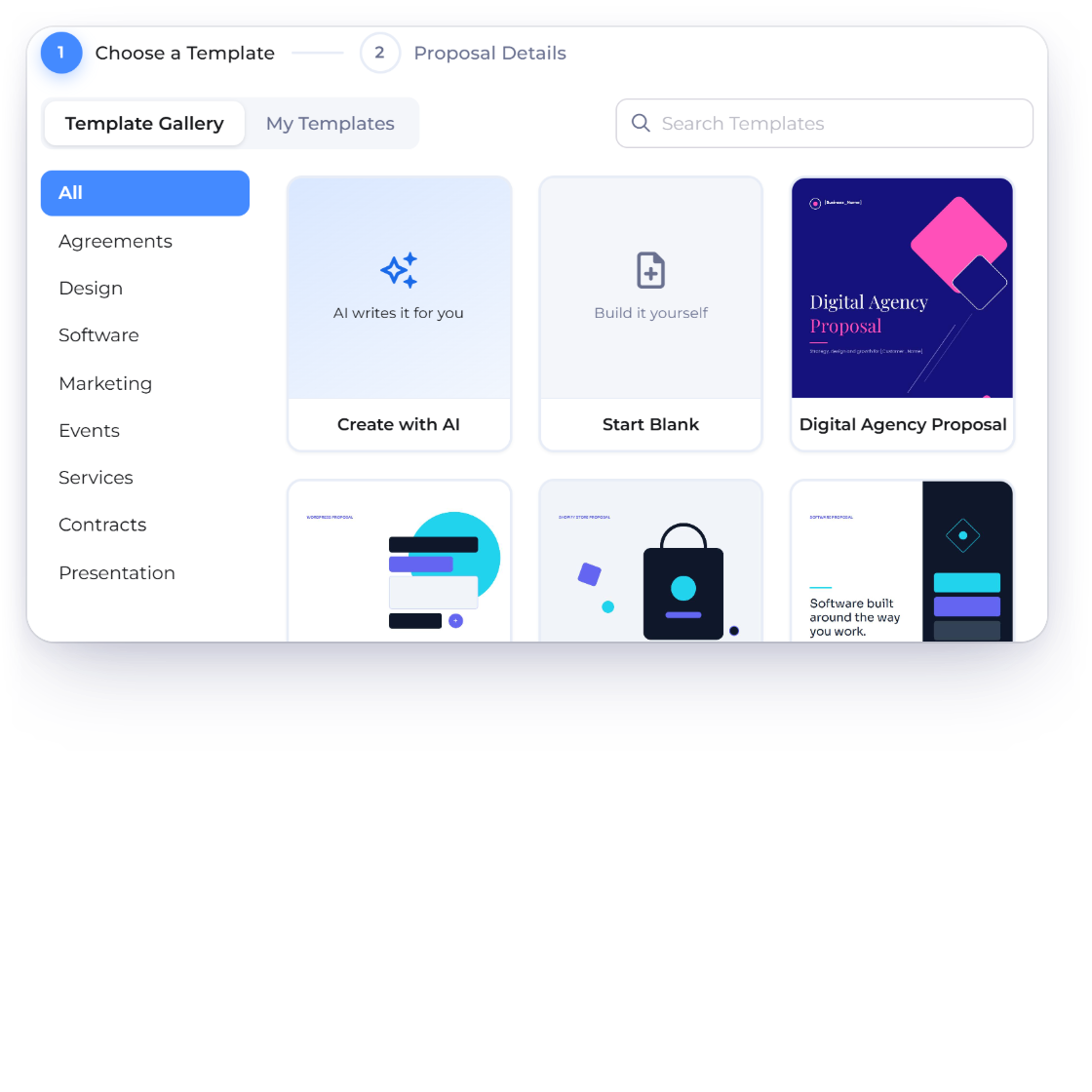
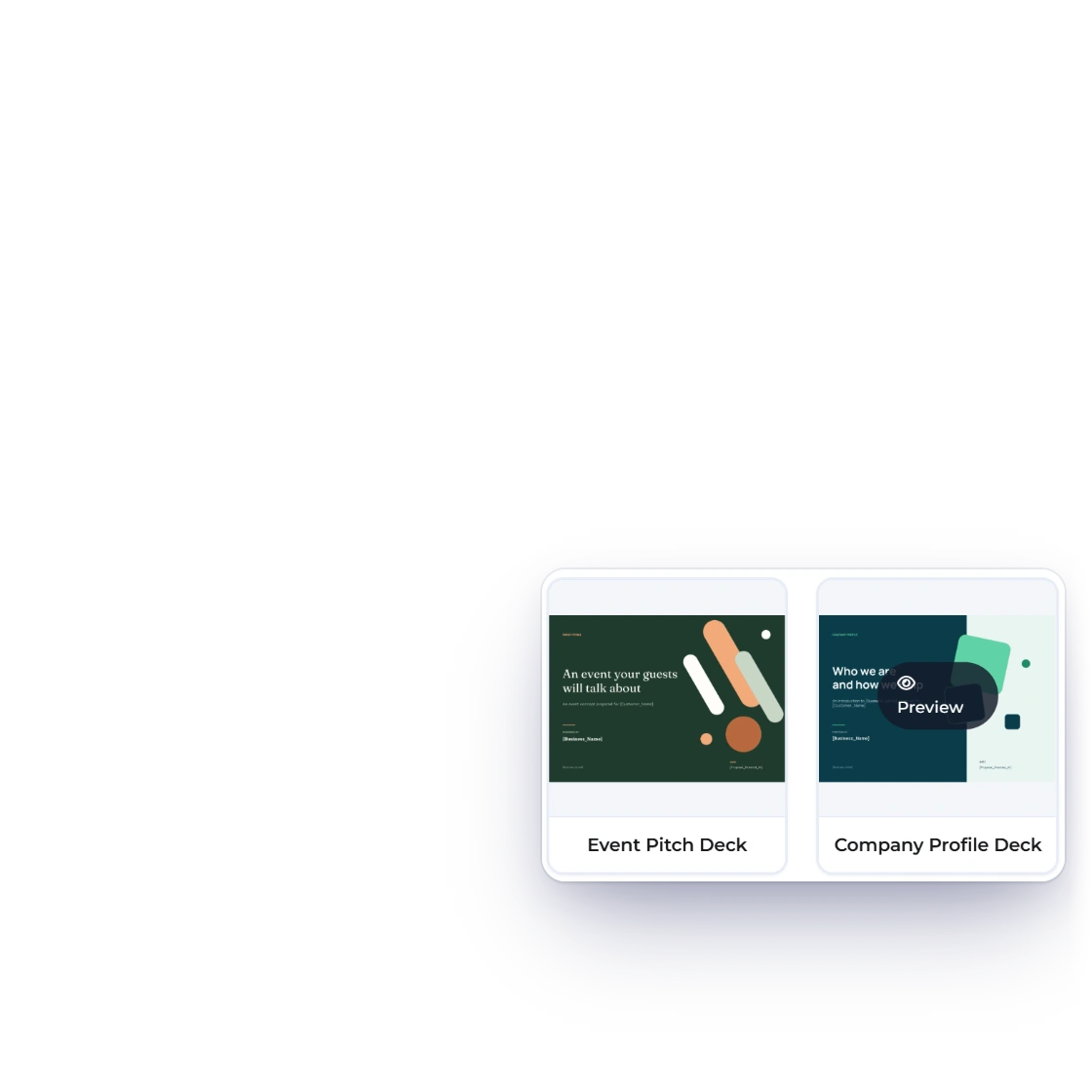
A library of 40+ templates to start from

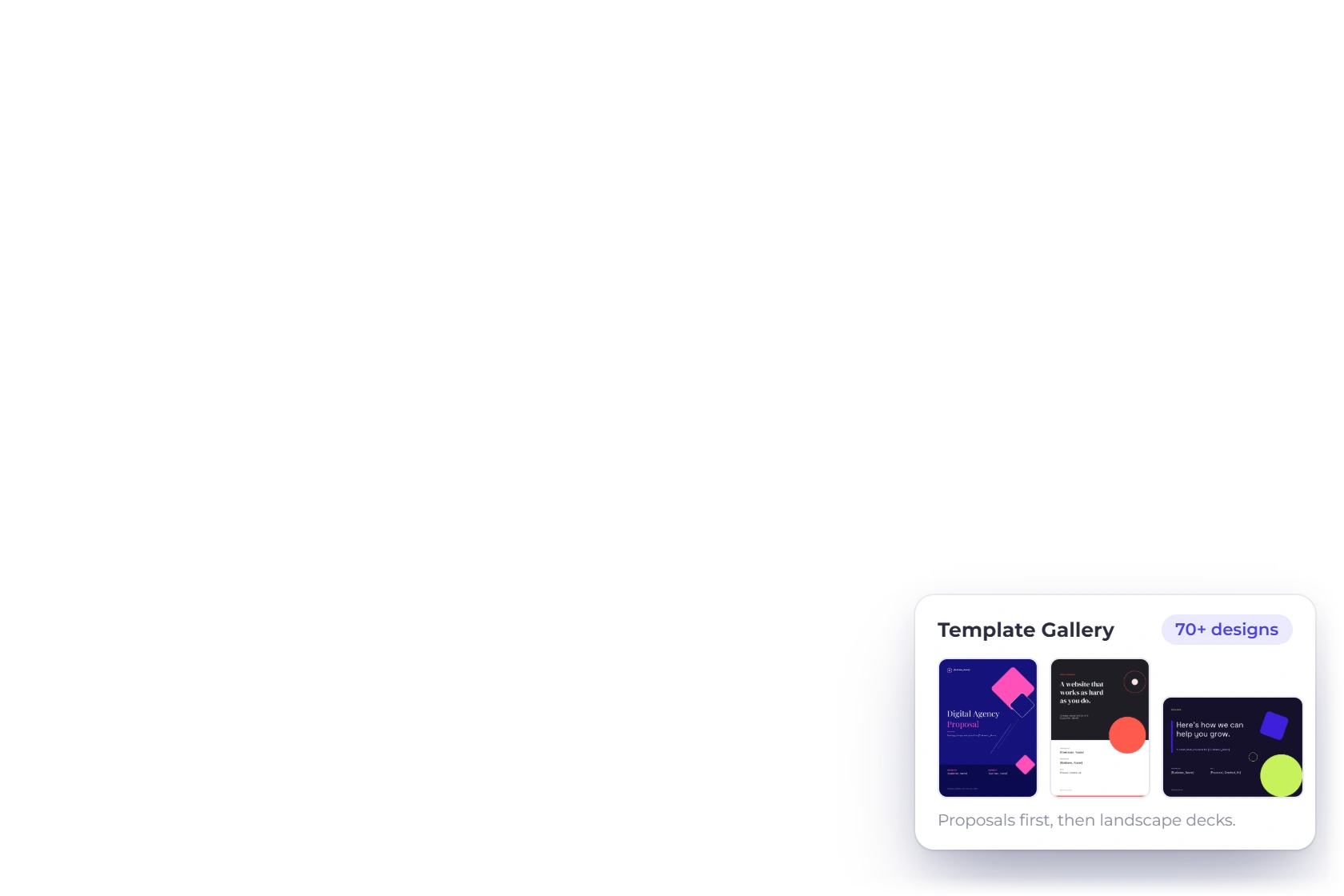
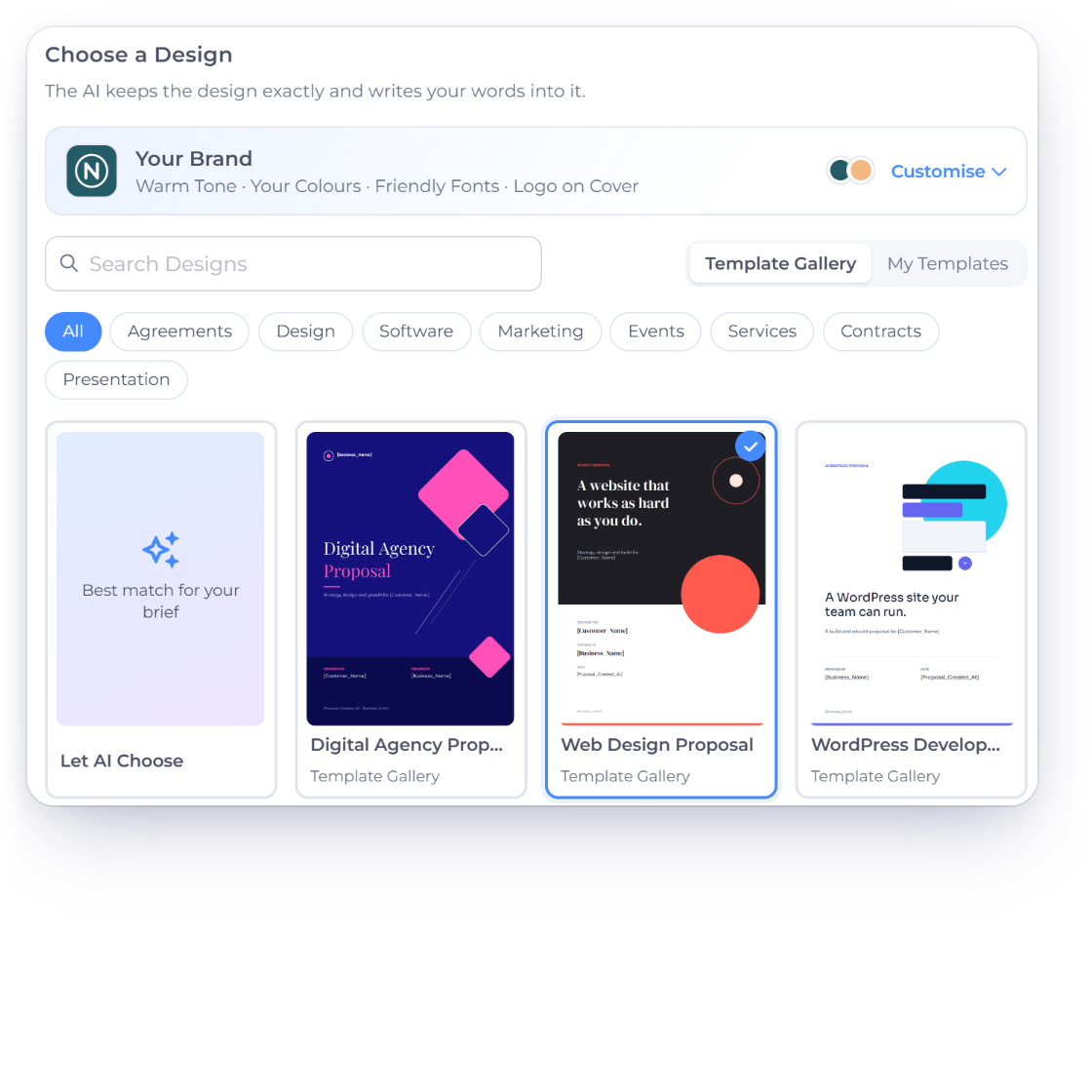
More than forty proposal templates ship with the account, each built around the sections a serious proposal needs: what the work is, what it costs, how long it takes and what the terms are. Pick the one closest to the job and edit from there.

  • Full documents, not cover pages
  • Every crucial section already in place
  • Layouts to suit different kinds of work

Making it yours

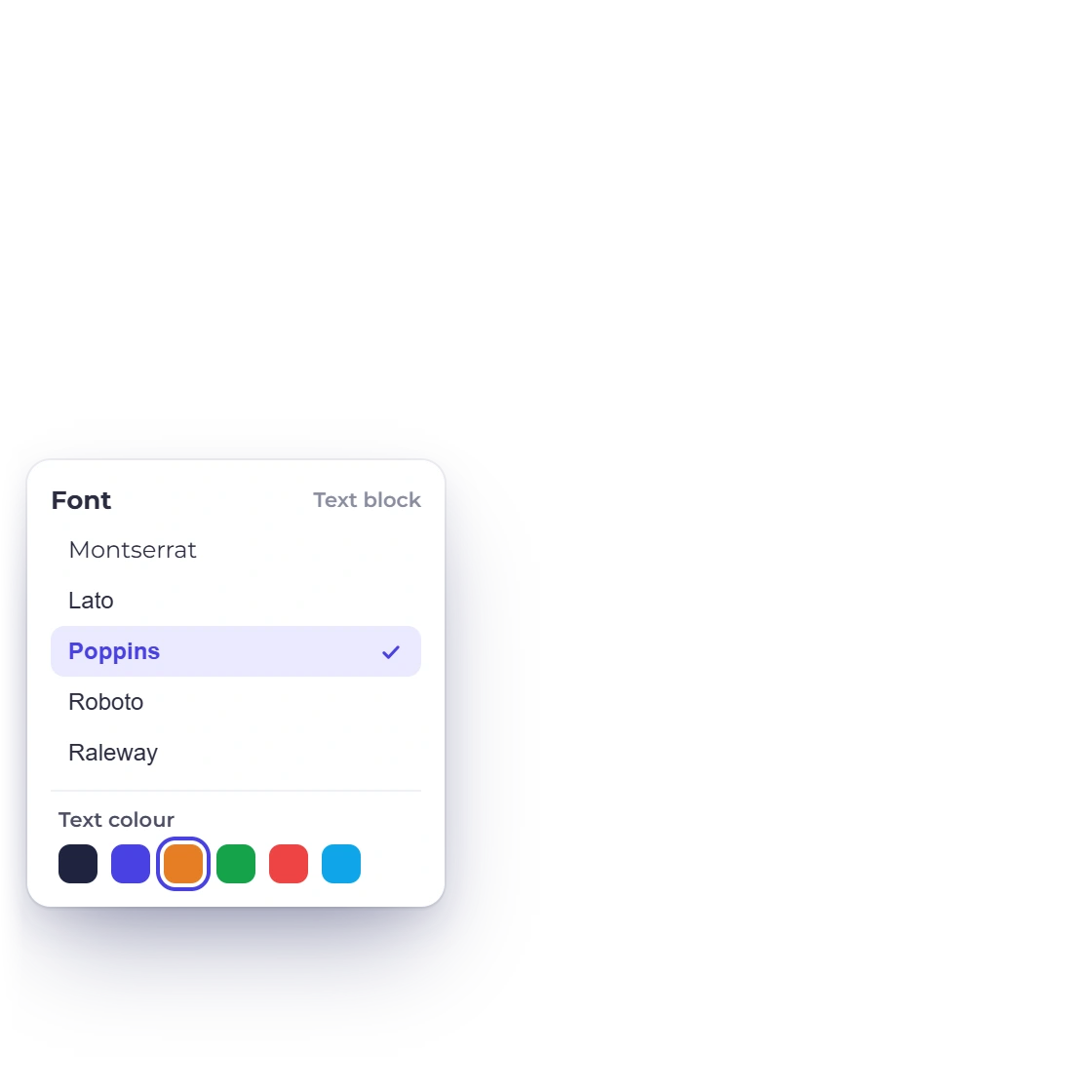
Down to the fonts

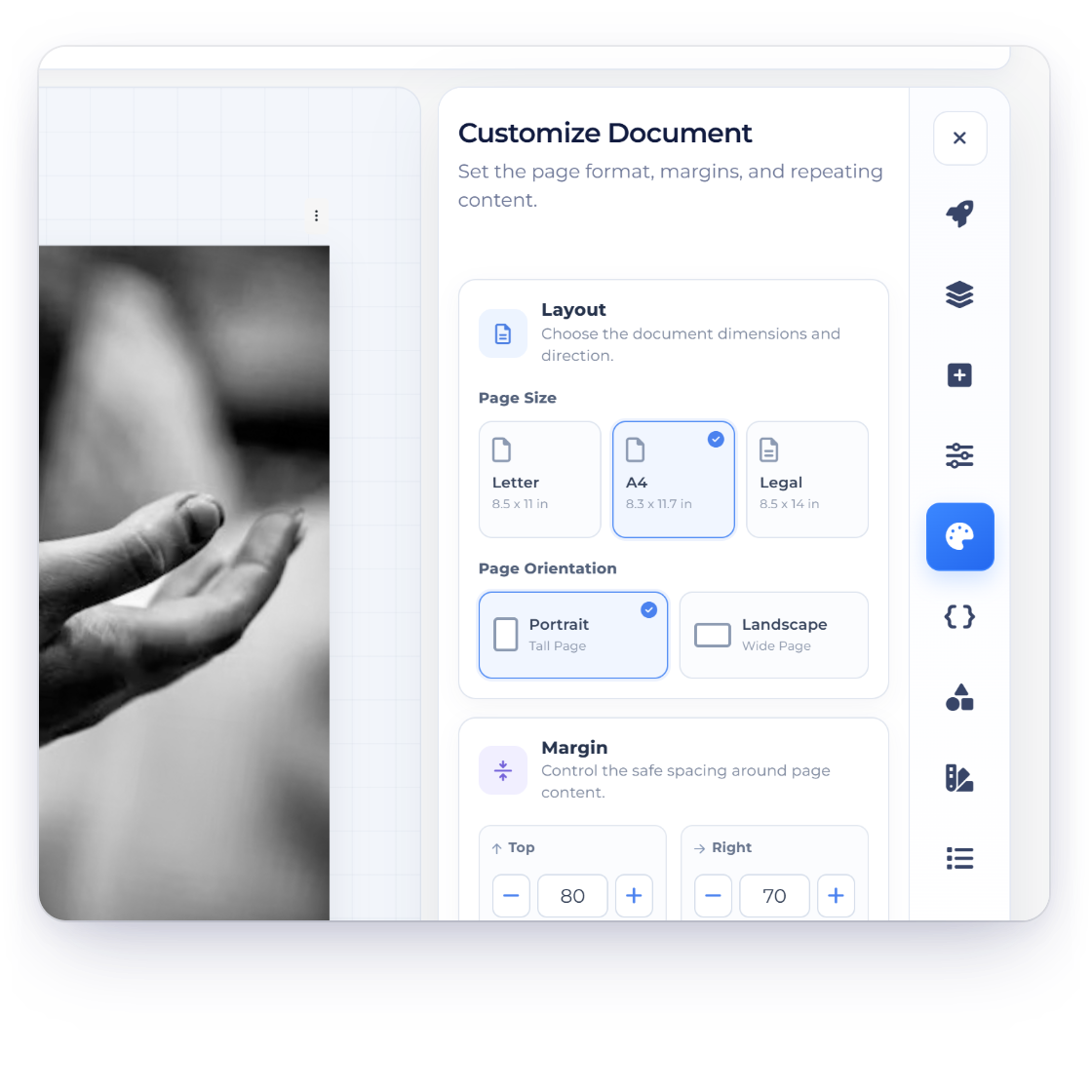
Customizing a proposal in Invoice Crowd with branding, section order and layout options

Complete control of how it looks

Branding is not a header you paste in. Set the logo, the colors and the fonts, then add, remove or reorder sections until the document reads the way you would present it. Media and links can sit inside a section, so a case study can point at the actual work.

  • Logo, colors and fonts on the document
  • Add, remove or rearrange any section
  • Embed media and links inside a section

Pricing the client can read line by line

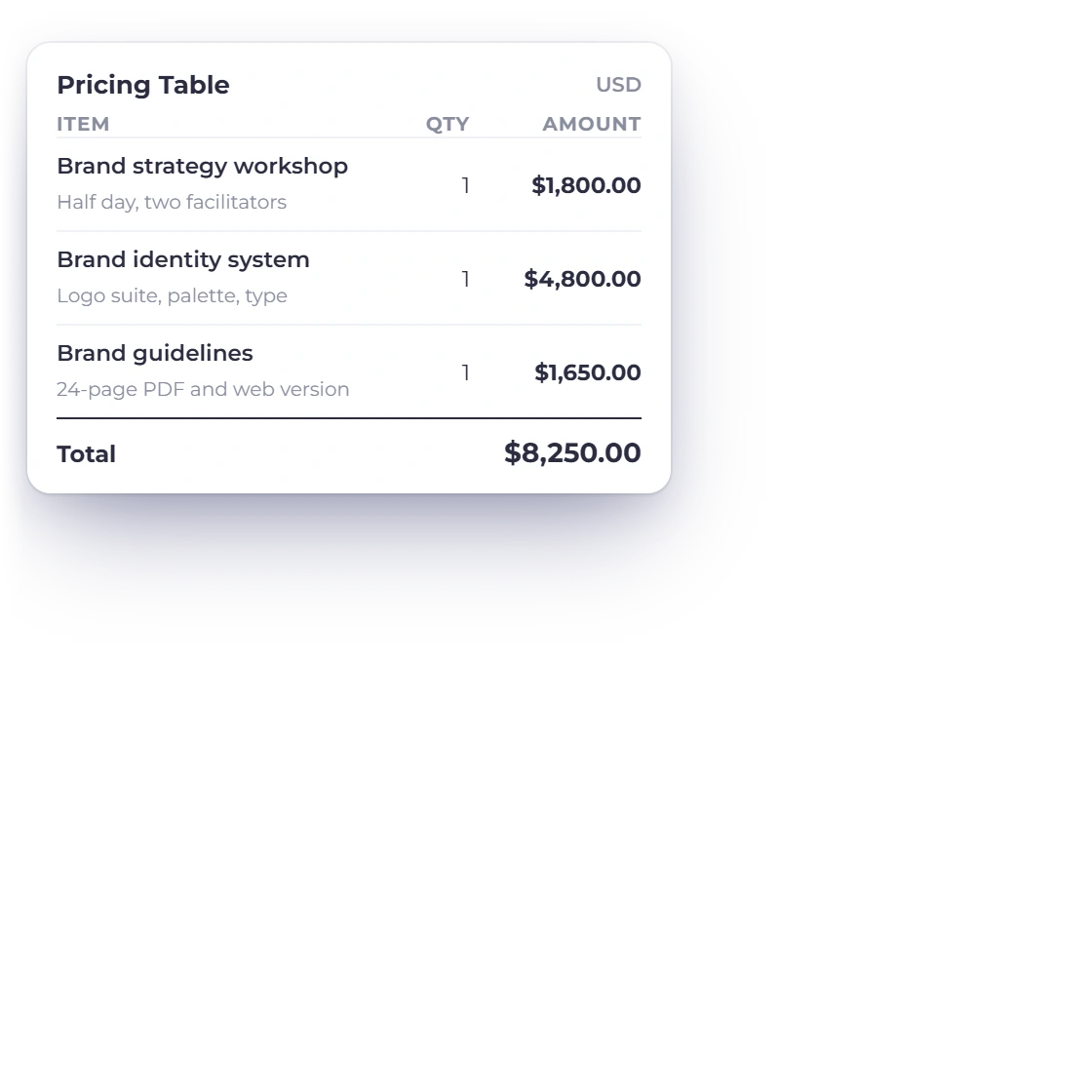
A proposal that ends in one number invites one question. A pricing table sets the fees out item by item, so the client can see what each part of the job costs before they approve it. The table is customizable, and it totals itself as you build it.

  • Customizable pricing tables
  • Fees broken out rather than lumped together
  • Carries through to the invoice later
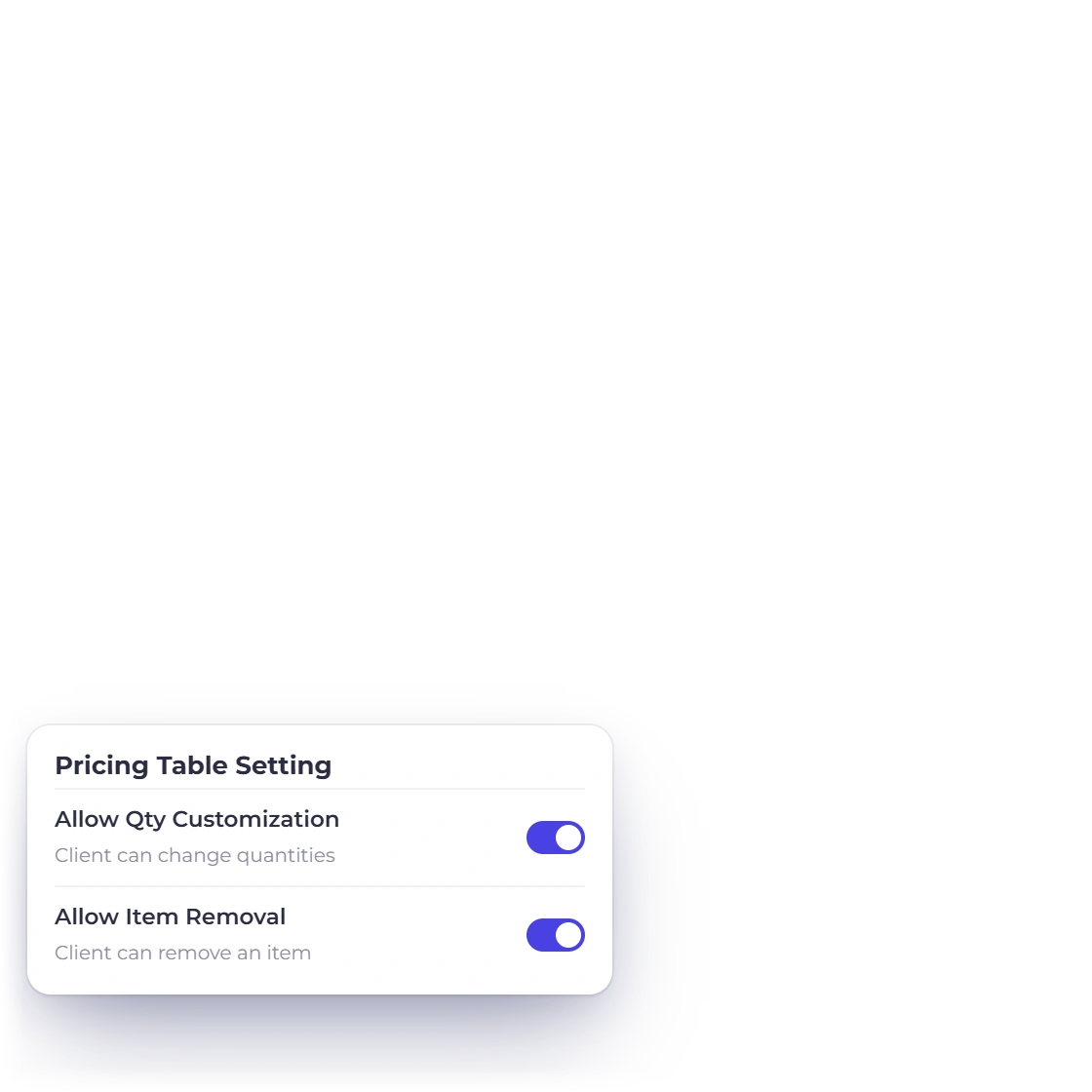
Optional lines on a quote

Getting it signed

From sent to billed

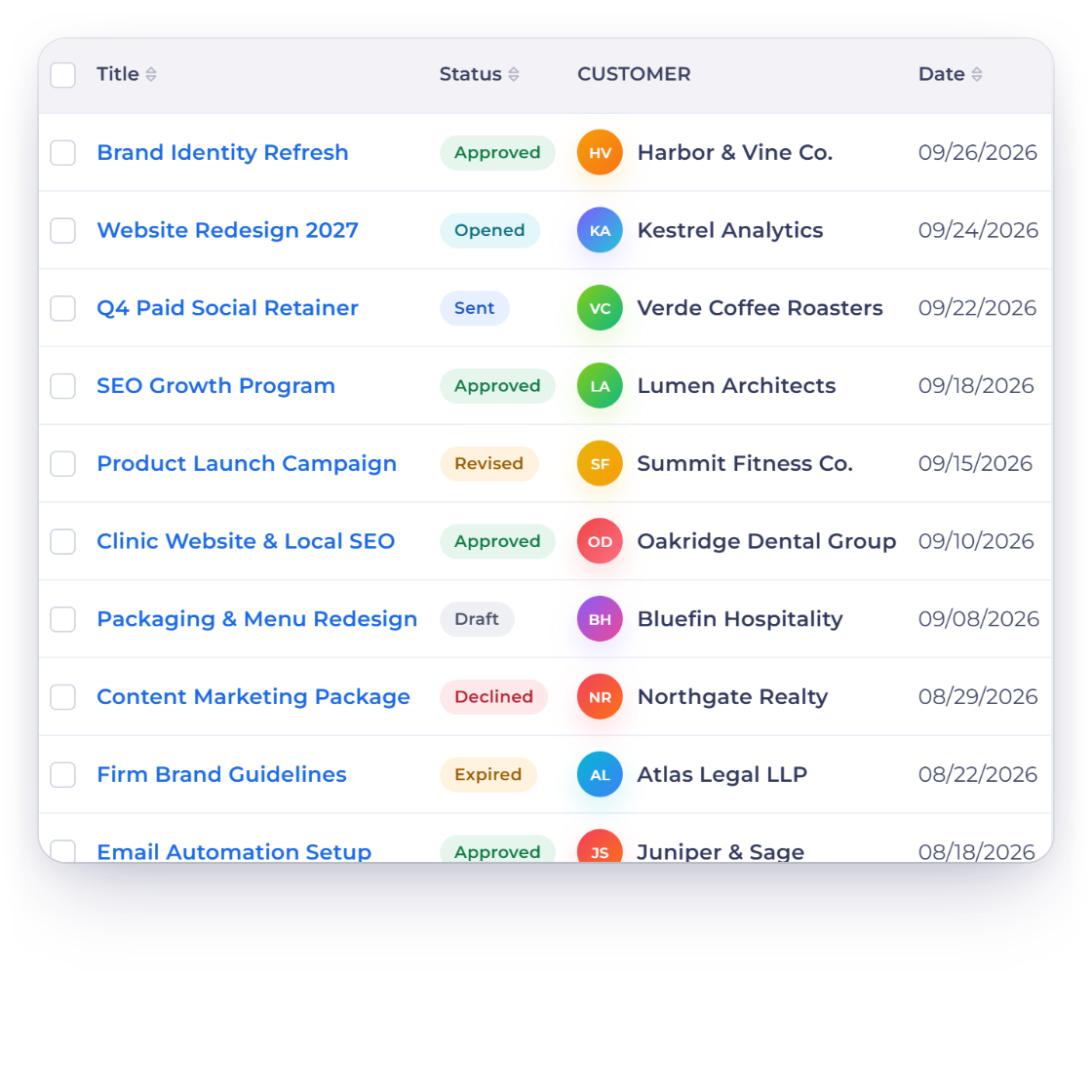
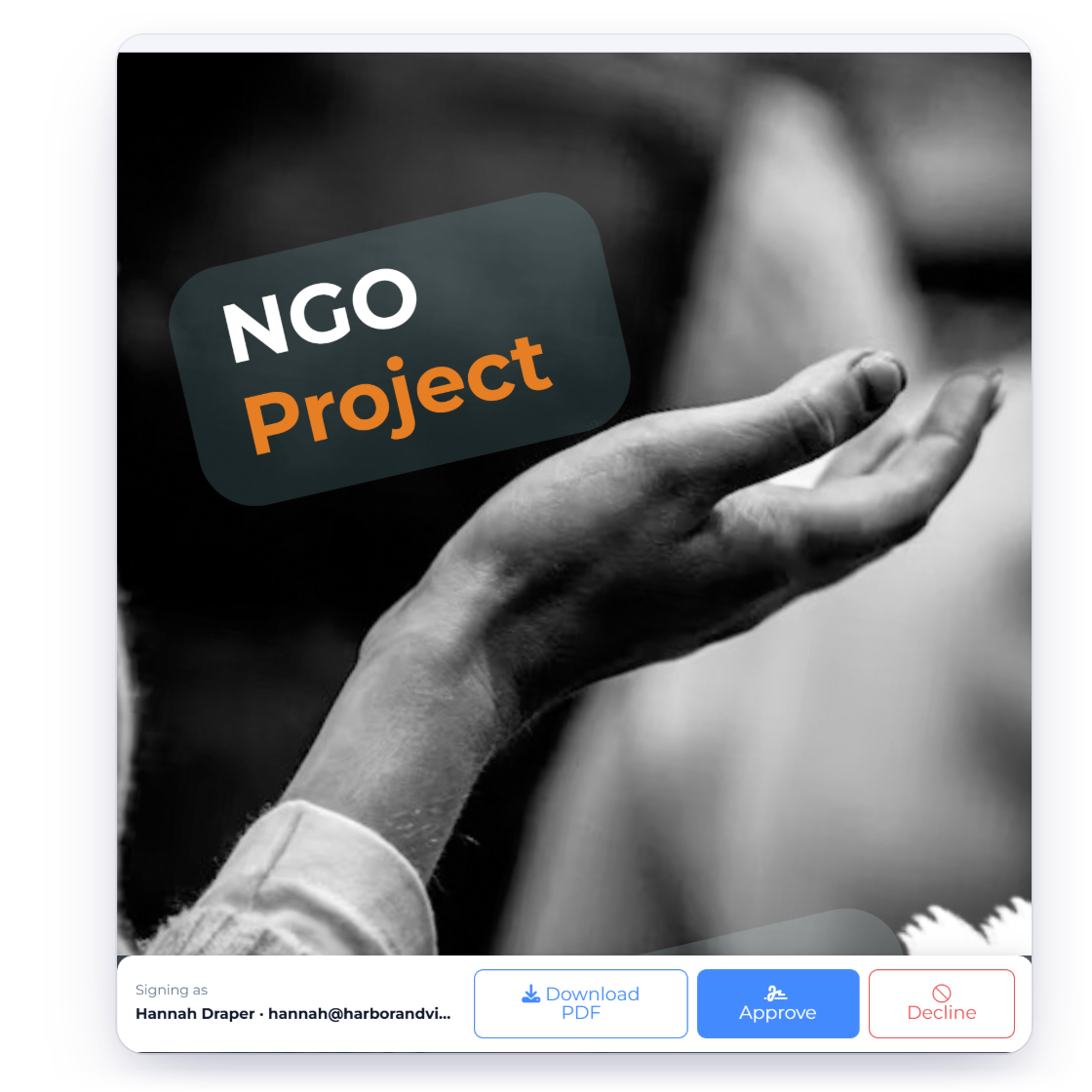
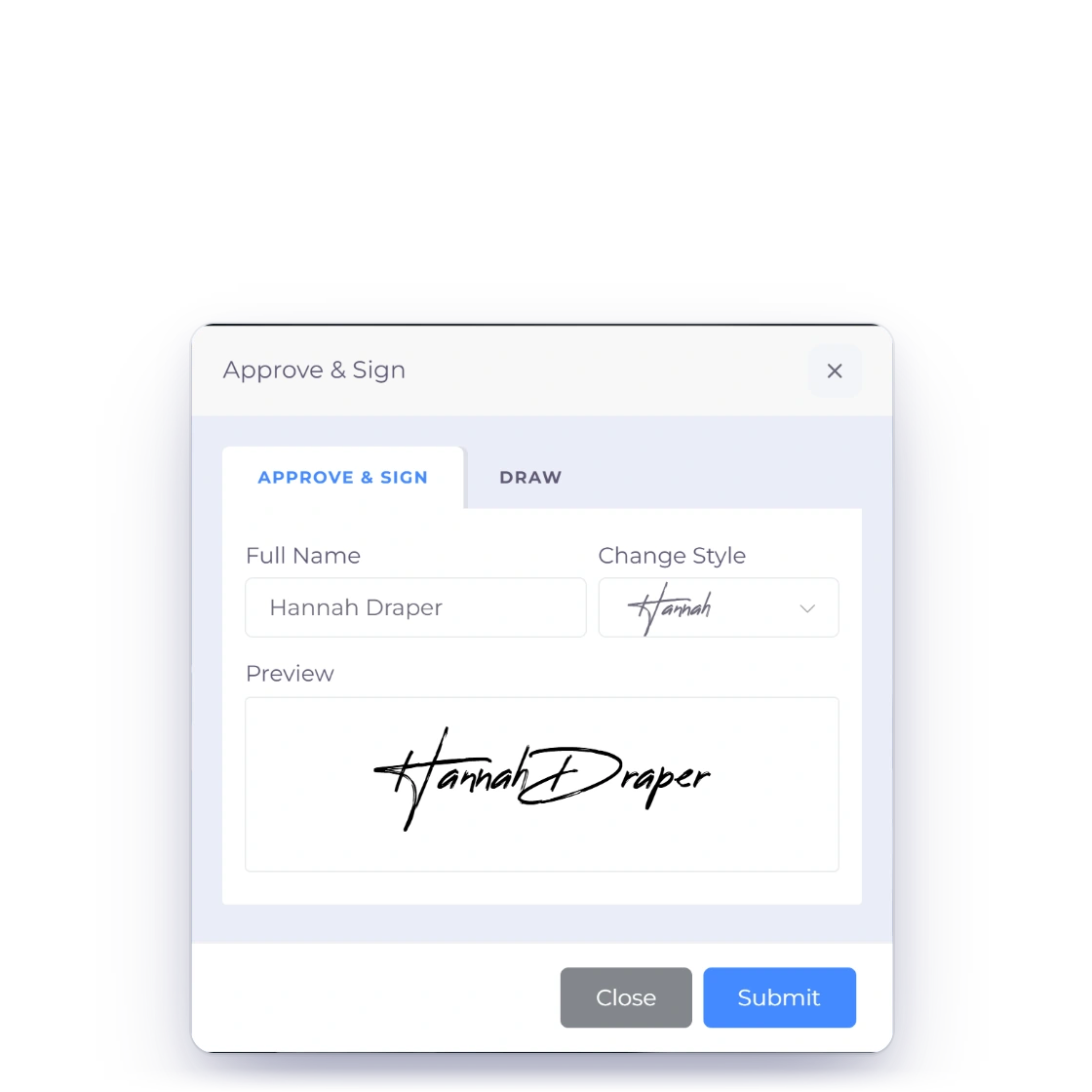
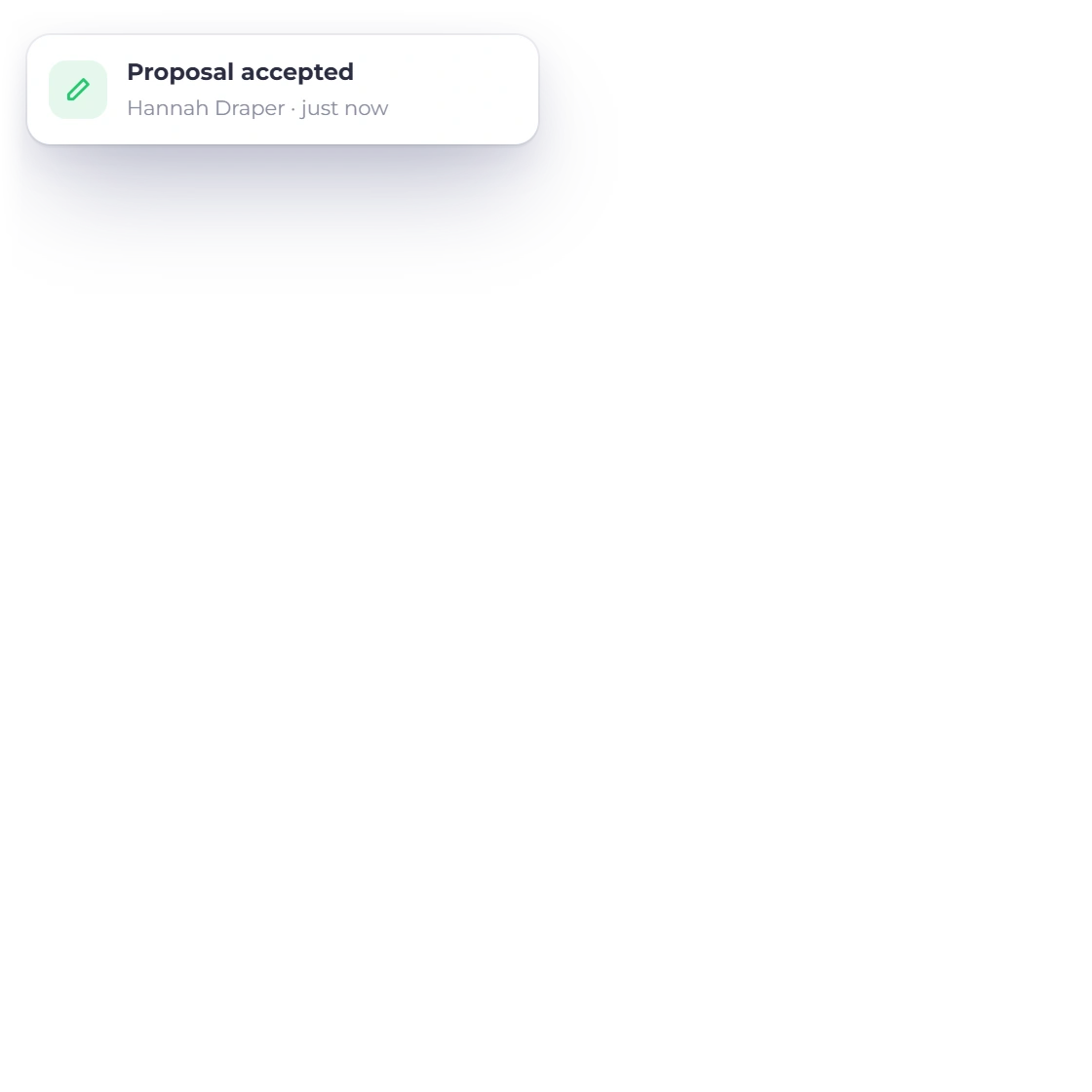
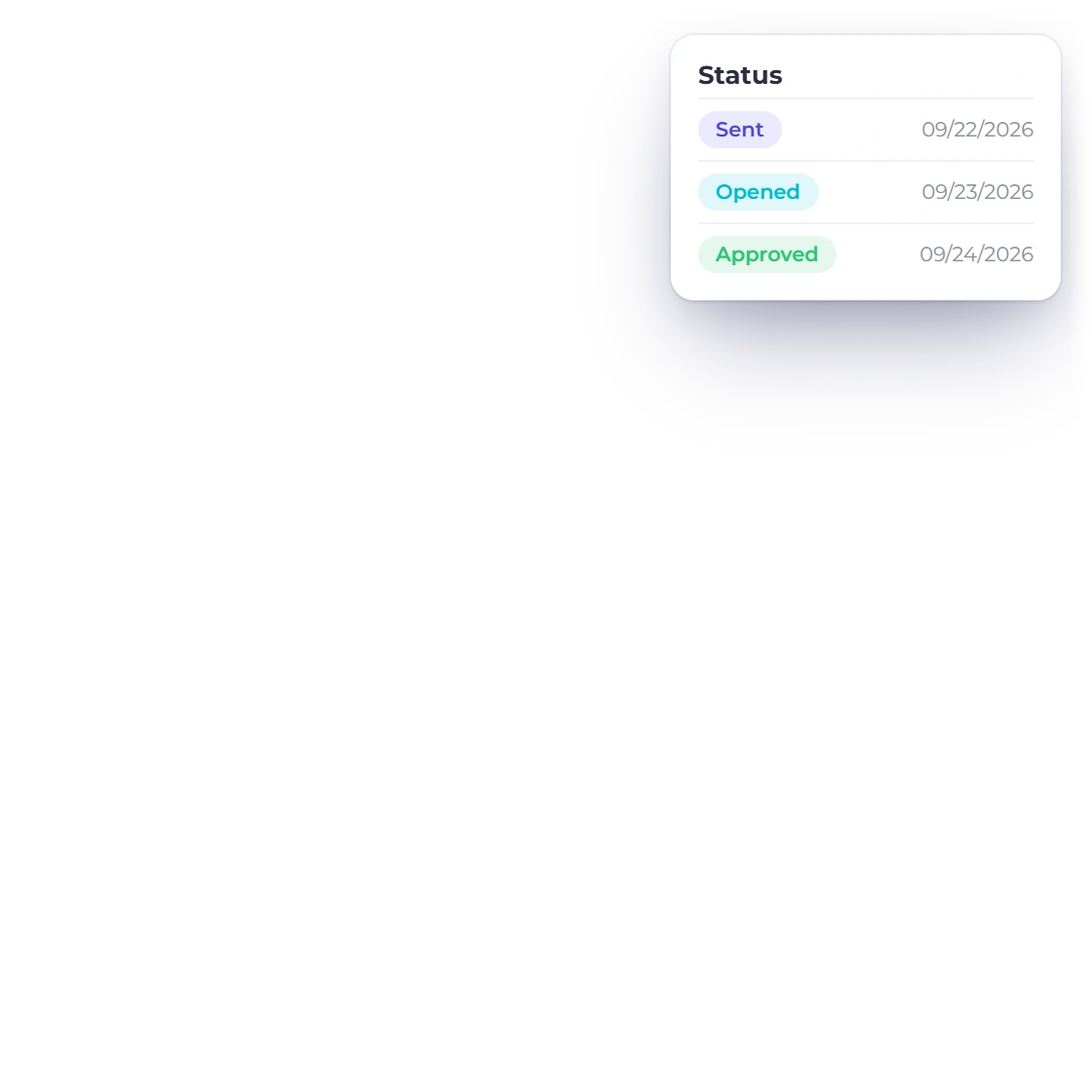
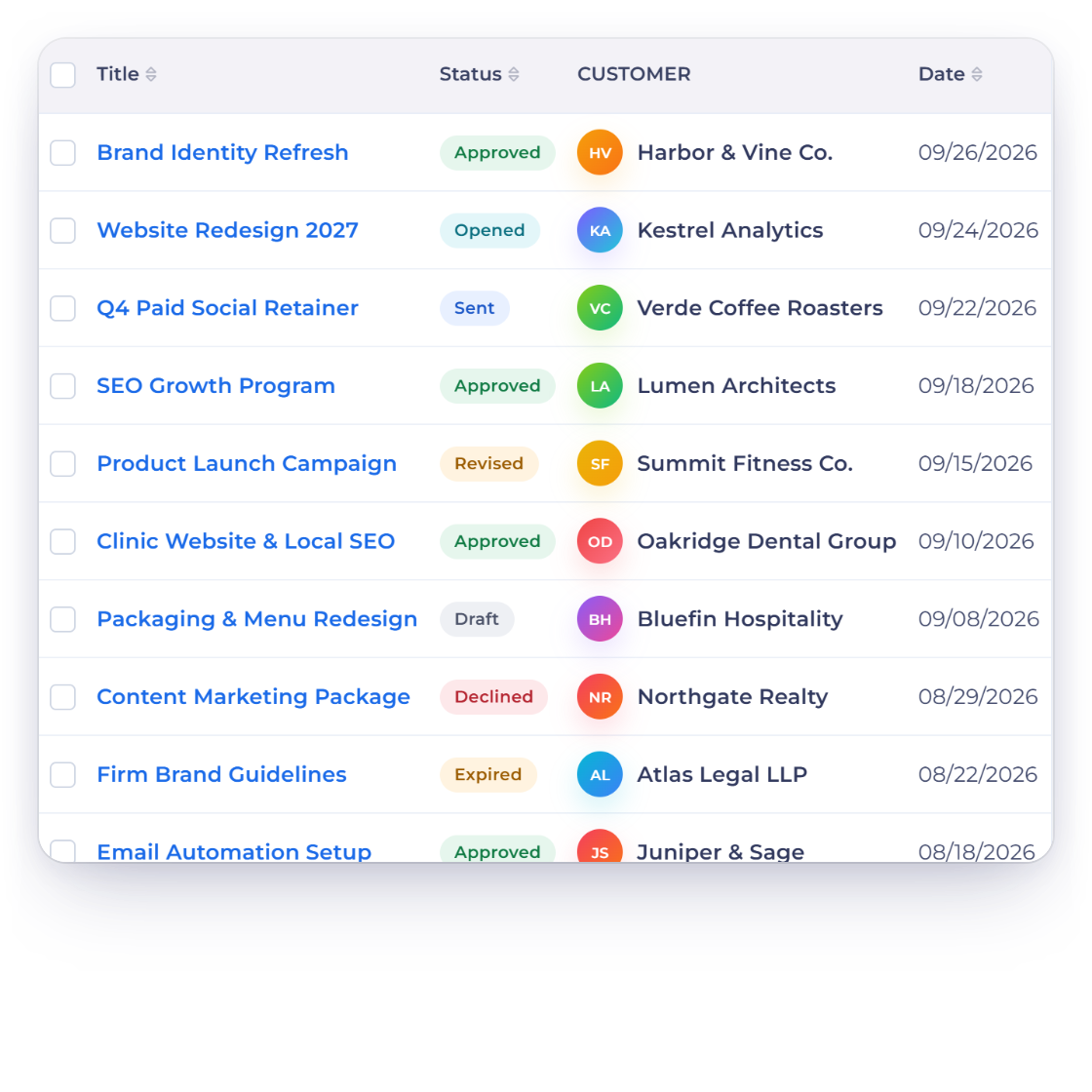
The proposal approval process in Invoice Crowd, showing approval status and notifications

Approvals you can actually track

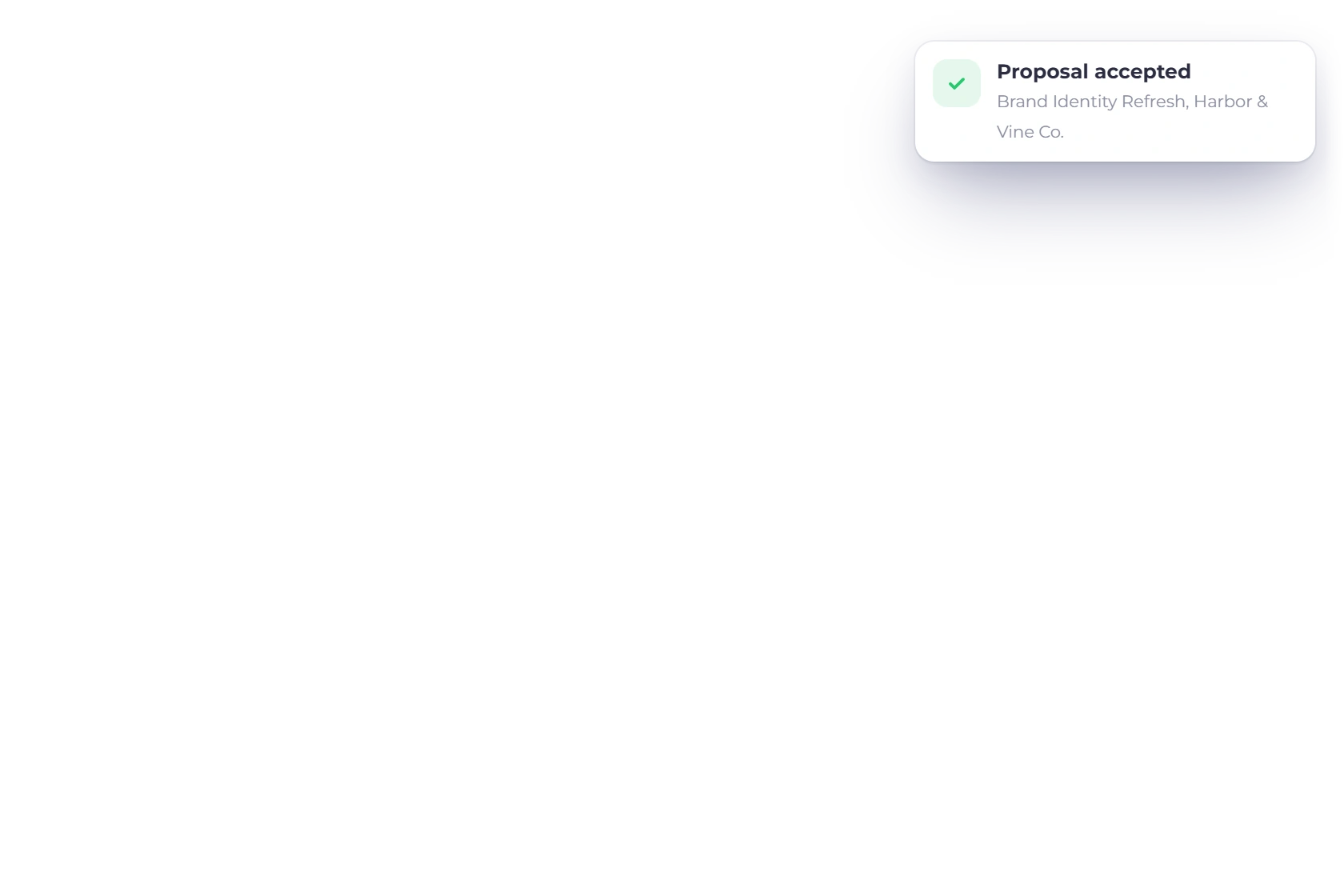
Send the proposal and the approval runs through the system rather than through your inbox. You are notified when a client approves or asks for a change, revisions are made on the document itself, and the history of what was altered stays with the record.

  • Notified on approval or on a change request
  • Revisions tracked on the document
  • Signed online, nothing to print
Where the client reads it

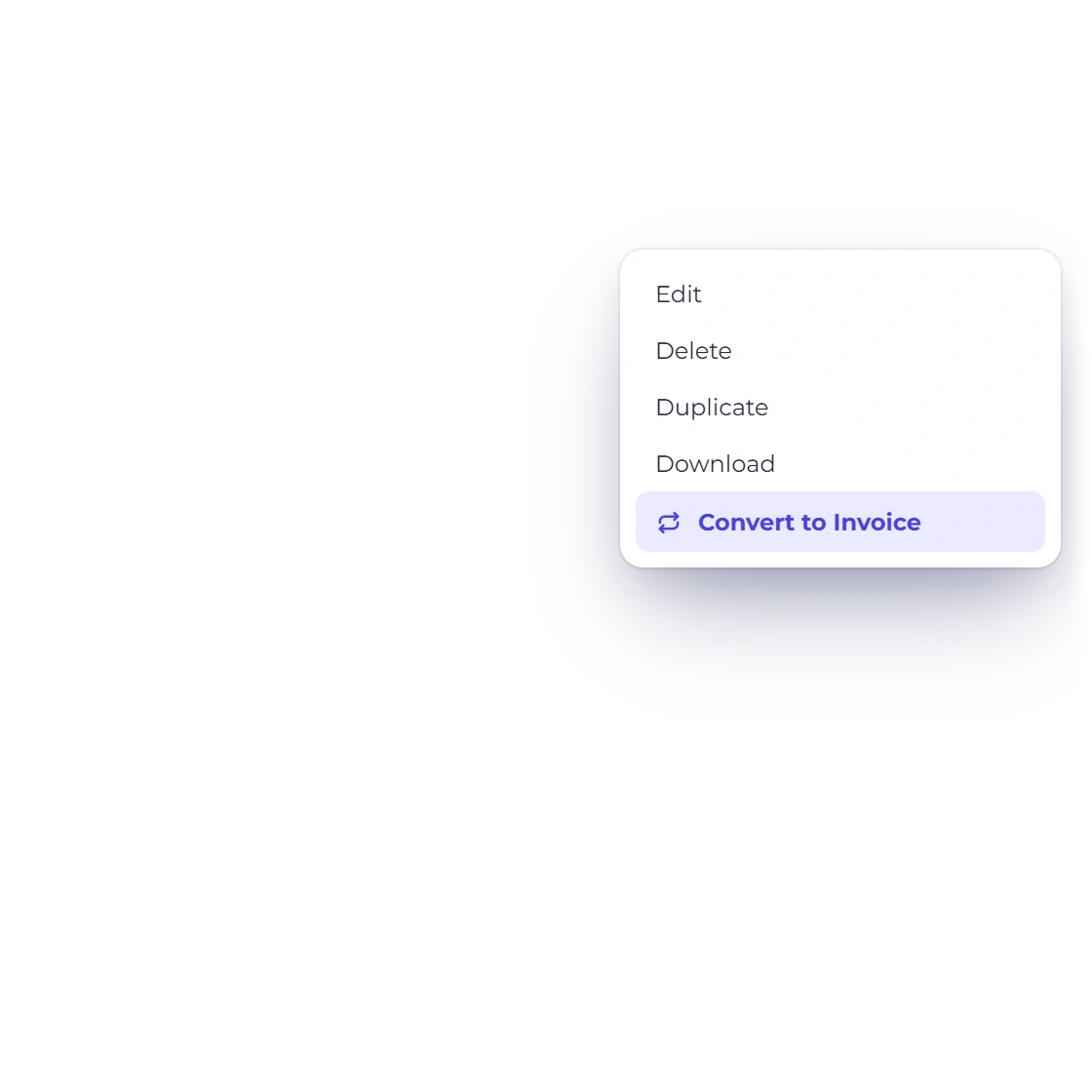
Approved, then invoiced in a few clicks

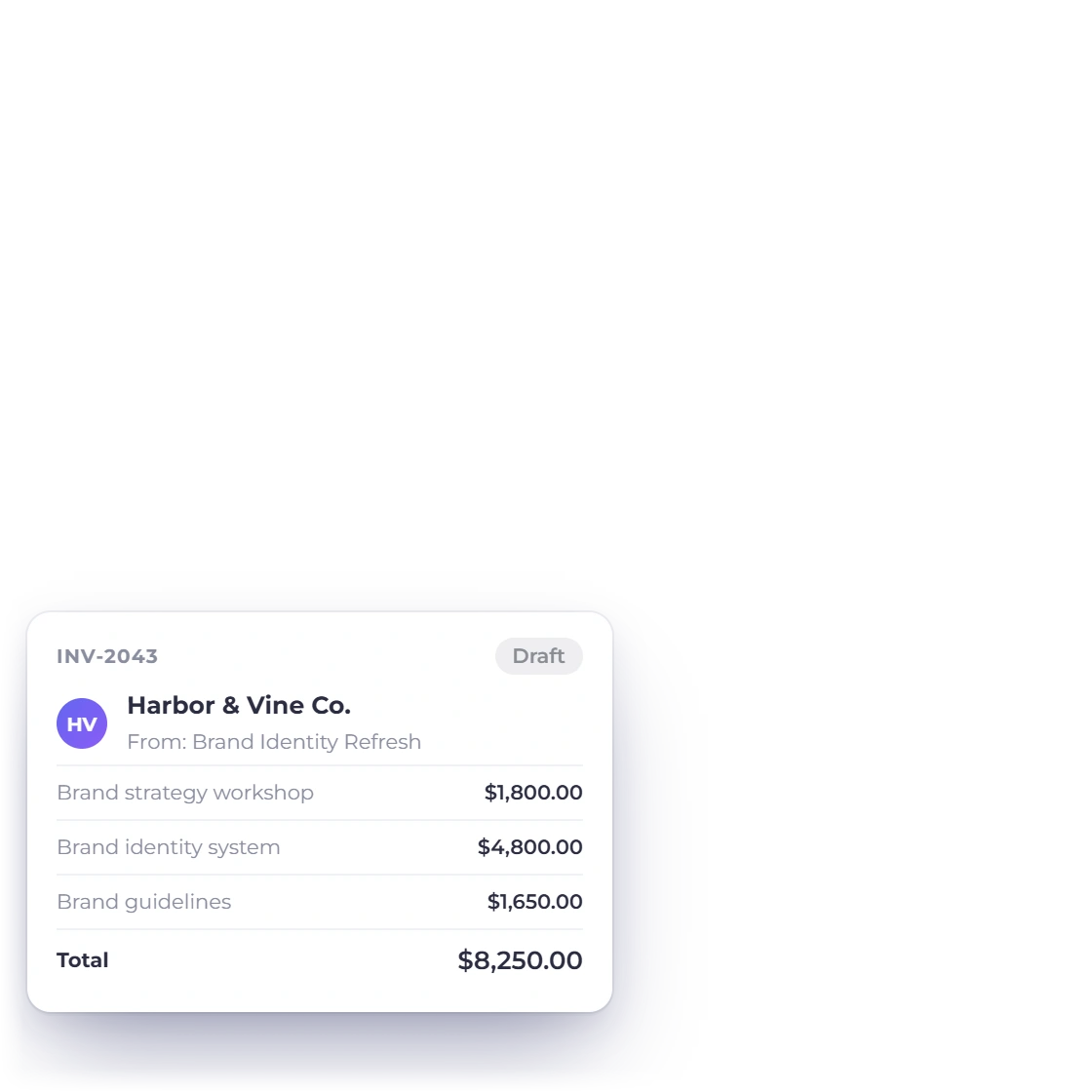
The moment a proposal is accepted it becomes billable work. Convert it into an invoice and the pricing comes across as agreed, in the same format and with the same figures, which removes the retyping step where the errors usually creep in.

  • One conversion from proposal to invoice
  • The same figures the client approved
  • Payment collected through your gateway
Converting to an invoice

Also included

The rest of the proposal toolset

Proposals sit in the same account as your estimates, invoices and customers, so nothing has to be rebuilt once the work is won.

  • Content library

    Keep the sections you reuse, such as your background or your terms, and drop them into a new document.

  • Online signature

    The client approves and signs in the browser, and the signed version stays with the proposal.

  • Proposal to invoice

    An accepted proposal becomes an invoice without the pricing being keyed a second time.

  • Rearrange sections

    Add, remove or reorder blocks so the document builds its case in the order you want.

  • Media and links

    Put images and links inside a section to show the work rather than describe it.

  • Pricing tables

    Break the fee down item by item instead of presenting the client with one figure.

  • Approval alerts

    Know when a proposal has been approved or handed back with a change request.

  • Tracked revisions

    Make a change to a live proposal and keep a record of what was revised and when.

  • Your branding

    Logo, colors and fonts, so the proposal looks like the rest of your business.

  • Multi-currency pricing

    Price the work in the client's currency and still read your revenue in your own.

  • Estimates instead

    When the job needs a priced quote rather than a written pitch, send an estimate.

  • Deposit on signing

    Ask for part of the accepted total before the work starts and bill the balance later.

Questions

The proposal system, answered

What is the proposal system?

It is the part of Invoice Crowd where you create, customize and send professional proposals. Everything happens in the account you already invoice from, so the document, the approval and the invoice that follows it all live in one place.

How do I start a proposal?

Sign in, open the Proposals section and begin a new document. Choose a template, edit the sections that need to say something specific about this client, add your pricing, and send it. Most of the work is editing rather than writing from scratch.

How many templates are included?

More than forty. Each one is a complete document covering the sections a proposal usually needs, with layouts to suit different kinds of work. You can change any of it, from the wording to the pricing table, and keep the version you prefer.

Can I customize how a proposal looks?

Yes. Add your logo, set the colors and fonts, and rearrange the content until the document is laid out the way you present. You can also embed media and links inside a section, so the proposal can show work rather than only describe it.

What happens once a client approves?

You are notified, and the accepted proposal can be converted into an invoice in a few clicks. The pricing carries across unchanged, so the amount you bill is the amount the client agreed to and nothing has to be entered again.

Is my proposal data secure?

Proposals sit inside your account behind your own login, and the document a client opens is sent over an encrypted connection. Team members see only what their role allows, so a proposal is not visible to everyone in the business by default.

Put a better proposal in front of the next client

Start from a template, make it look like your business, and let the approval turn straight into the invoice you were going to write anyway.

  • 40+ templates ready to edit
  • 30-day free trial
  • No credit card to start